

Service Check Parameters
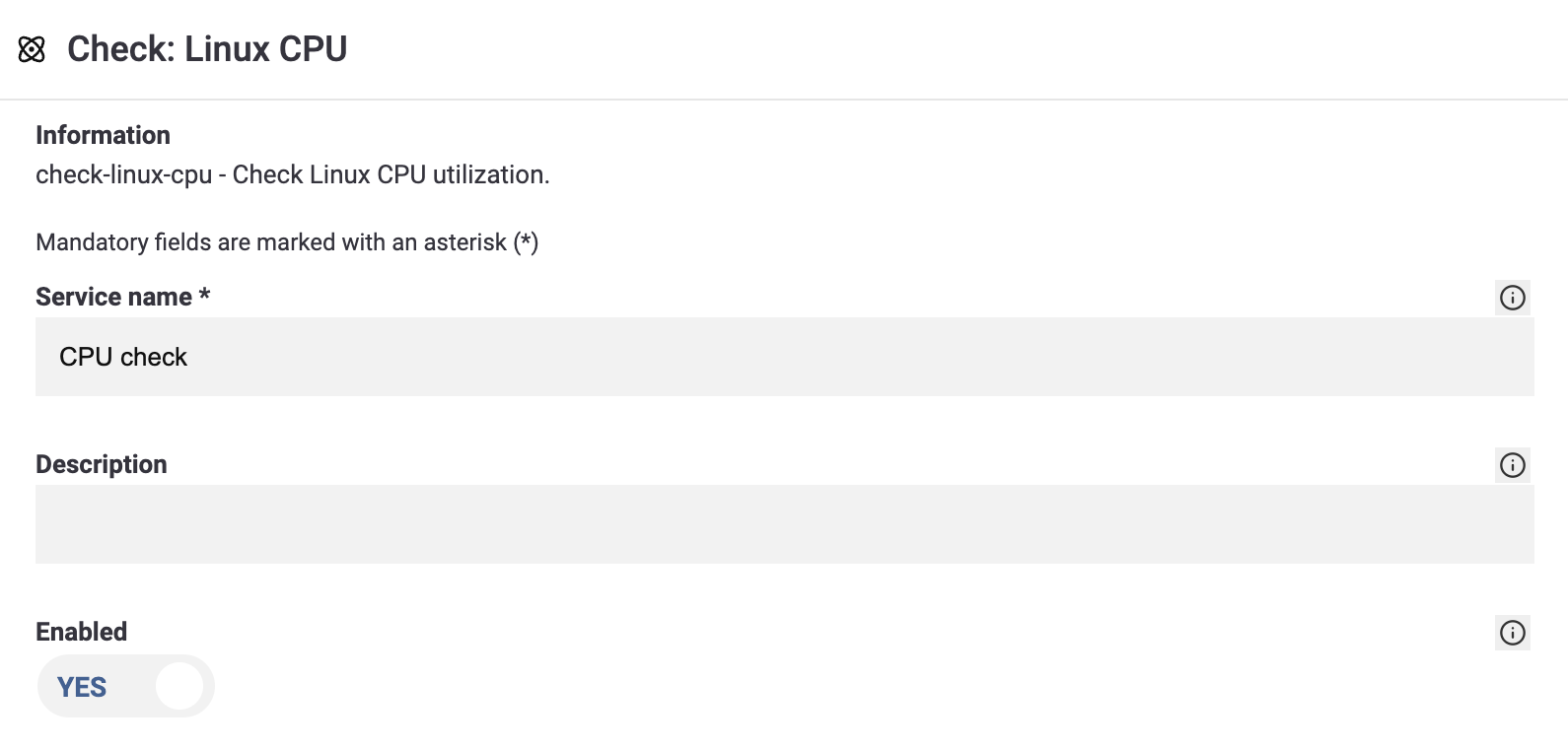
Every service check created in the WebGUI comes with a predefined set of parameters.
Service Name
The name of the service.
Description
A short description of the service.
Active
This switch enables or disables monitoring for the service.
Acknowledged
If the service is in a non-OK state, the status can be acknowledged. This suppresses further notifications. The acknowledgment is automatically cleared once the status returns to OK or INFO.
Notifications Enabled
This switch enables or disables notifications for the service.
Comment
Here you can add an internal comment.
Host-Alive-Check
A Host-Alive Check determines whether a host is reachable (UP) or unreachable (DOWN). If this check becomes critical, you receive a special notification. If other services on the same host also become critical at the same time, their notifications are suppressed while the Host-Alive Check is critical. A ping check is typically recommended as the Host-Alive Check.
Interval, Retry Interval
The interval defines how often services in OK or INFO state are checked. The retry interval defines how often services in NOTICE, WARNING, ALERT or CRITICAL state are checked.
Maximum Attempts
Maximum attempts define after how many consecutive failed checks a service outage triggers a notification.
Notification Interval
This value specifies how often notifications are sent. For example, if set to 30 minutes, you will receive a status notification every 30 minutes.
Flapping Detection Enabled, Flapping Time Window, Maximum Number of State Changes
A service may rapidly switch between different states, for example from OK to CRITICAL and back to OK, without ever reaching the maximum attempts that would trigger a notification. In such cases, flapping detection can be enabled. If the number of state changes within the defined time window exceeds the allowed maximum, a notification is triggered — using the highest state that occurred during that period.
In the following example, the service is checked every 60 seconds and changes its state as follows:
10:01 – WARNING
10:02 – OK
10:03 – ALERT
10:04 – OK
10:05 – WARNING
10:06 – OK
During this time window, the highest state was ALERT. This state is then used for the notification.
Additional Parameters
All remaining parameters are plugin-specific.